![City Hive Logo-2.png]](https://support.cityhive.net/hs-fs/hubfs/City%20Hive%20Logo-2.png?width=62&height=60&name=City%20Hive%20Logo-2.png)
-
Click (+) next to the search bar on the top right

-
Name the recipe
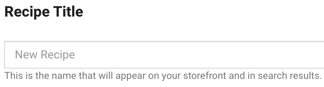
-
Add a description
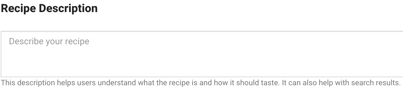
-
Upload an image
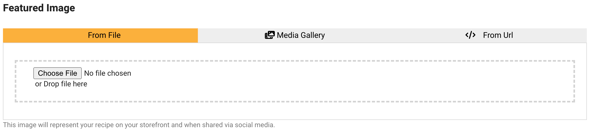
-
Select the difficulty of the recipe by clicking on the dropdown

-
Add the serving size for the recipe, indicating how many drinks it can make

-
Enter the time duration
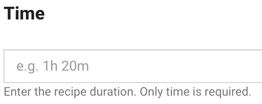
-
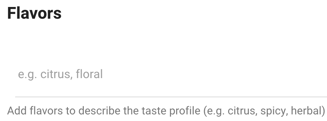
Add the flavors to describe the taste
- Select glass type
-
Add tags to the recipe then click enter to save each one

-
Create your list of ingredients

To add more than one ingredient, select the "Add Ingredient" button -
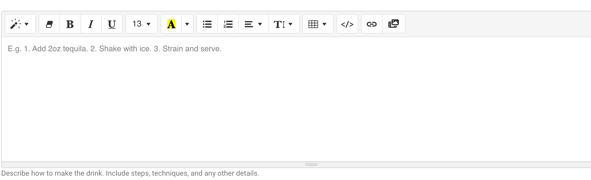
Write down the instructions and utilize the tool bar to edit your text or add any media
-
Scroll back up to the top and hit "Create" to save your changes

-
Once completed, select the newly created page and open it by clicking the link

To add this as a section in your top menu for your website or include a specific recipe page, please refer to our article here.