![City Hive Logo-2.png]](https://support.cityhive.net/hs-fs/hubfs/City%20Hive%20Logo-2.png?width=62&height=60&name=City%20Hive%20Logo-2.png)
-
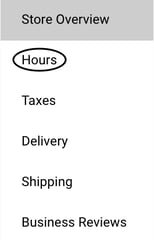
Click Hours
-
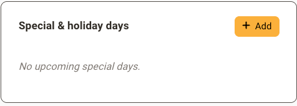
On the right side, you will see the option to add your new days and time by clicking + Add
-
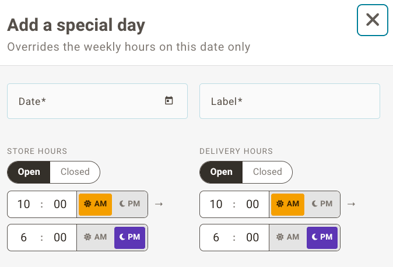
Fill out the details of your special hours including the date, label of the holiday, new store hours, and new delivery hours
-
Click + Add to save your changes


Once you've updated your store's special hours you can use this as an opportunity to reach out to your customers to incentivize them to get their holiday or special day orders in early!