![City Hive Logo-2.png]](https://support.cityhive.net/hs-fs/hubfs/City%20Hive%20Logo-2.png?width=62&height=60&name=City%20Hive%20Logo-2.png)
Loyalty "Prompt" Error (POS)
This presentation addresses a common issue in payment terminal operations: the prompt and error loop. We will explore how this loop occurs and provide a clear solution to resolve it efficiently.
1. Overview of the Prompt / Error Loop
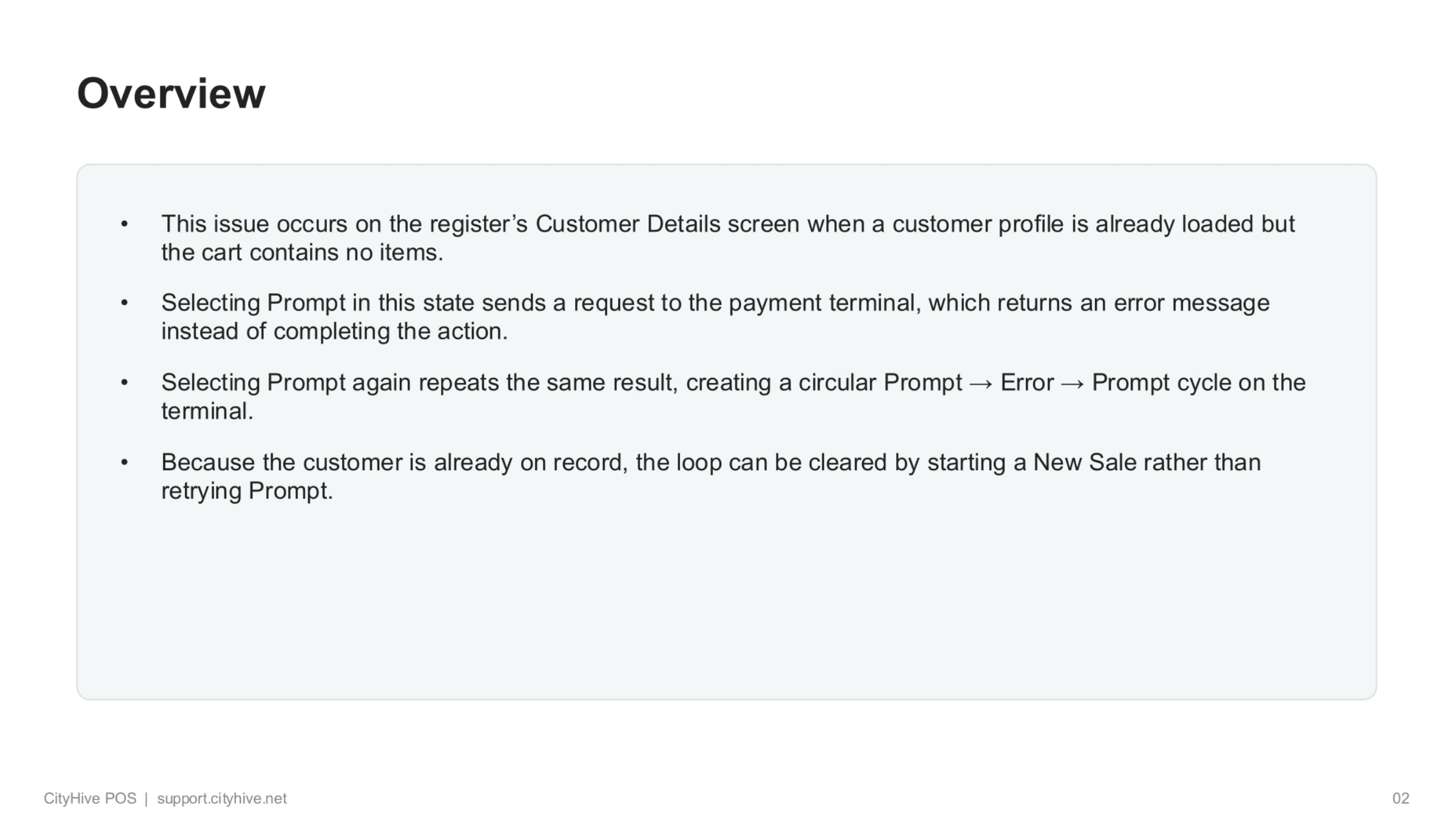
This issue typically arises on the register's Customer Details screen when a customer profile is already loaded, but the cart remains empty. Attempting to 'Prompt' in this situation sends a request to the payment terminal, which then returns an error message instead of proceeding. Repeatedly selecting 'Prompt' creates a circular cycle of prompt, error, and prompt on the terminal. The key to resolving this is to recognize that since the customer is already on record, starting a new sale is the correct action, rather than retrying the 'Prompt' function.
2. Identifying the Prompt / Error Loop
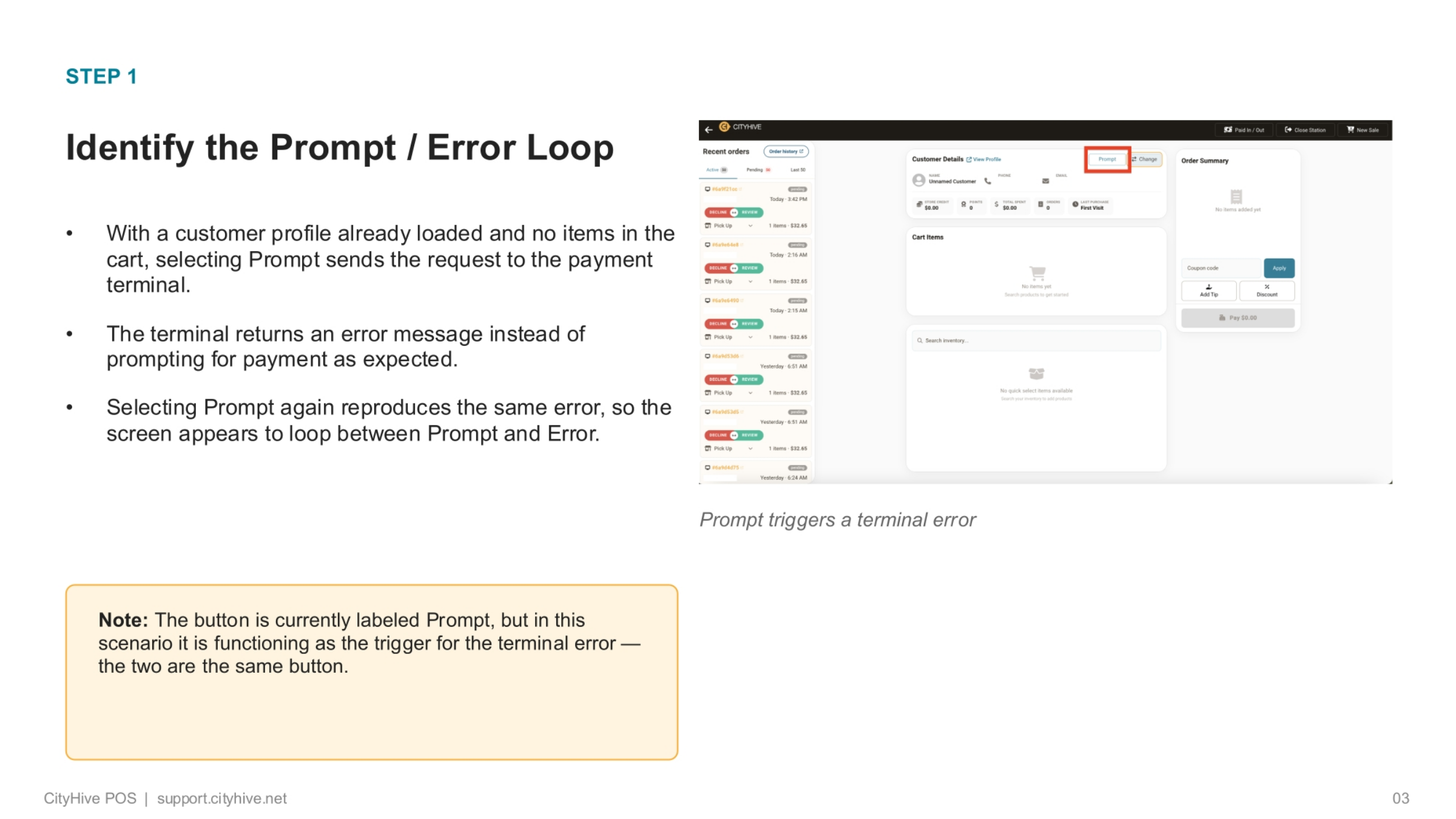
To identify this loop, observe the system when a customer profile is loaded but the cart has no items. Selecting 'Prompt' will send a request to the payment terminal, but instead of the expected payment prompt, an error message appears. If you select 'Prompt' again, the same error will recur, creating a visible loop between the 'Prompt' and 'Error' states on the screen. It's important to note that the button labeled 'Prompt' acts as the trigger for this terminal error in this specific scenario.
3. Clearing the Loop with a New Sale
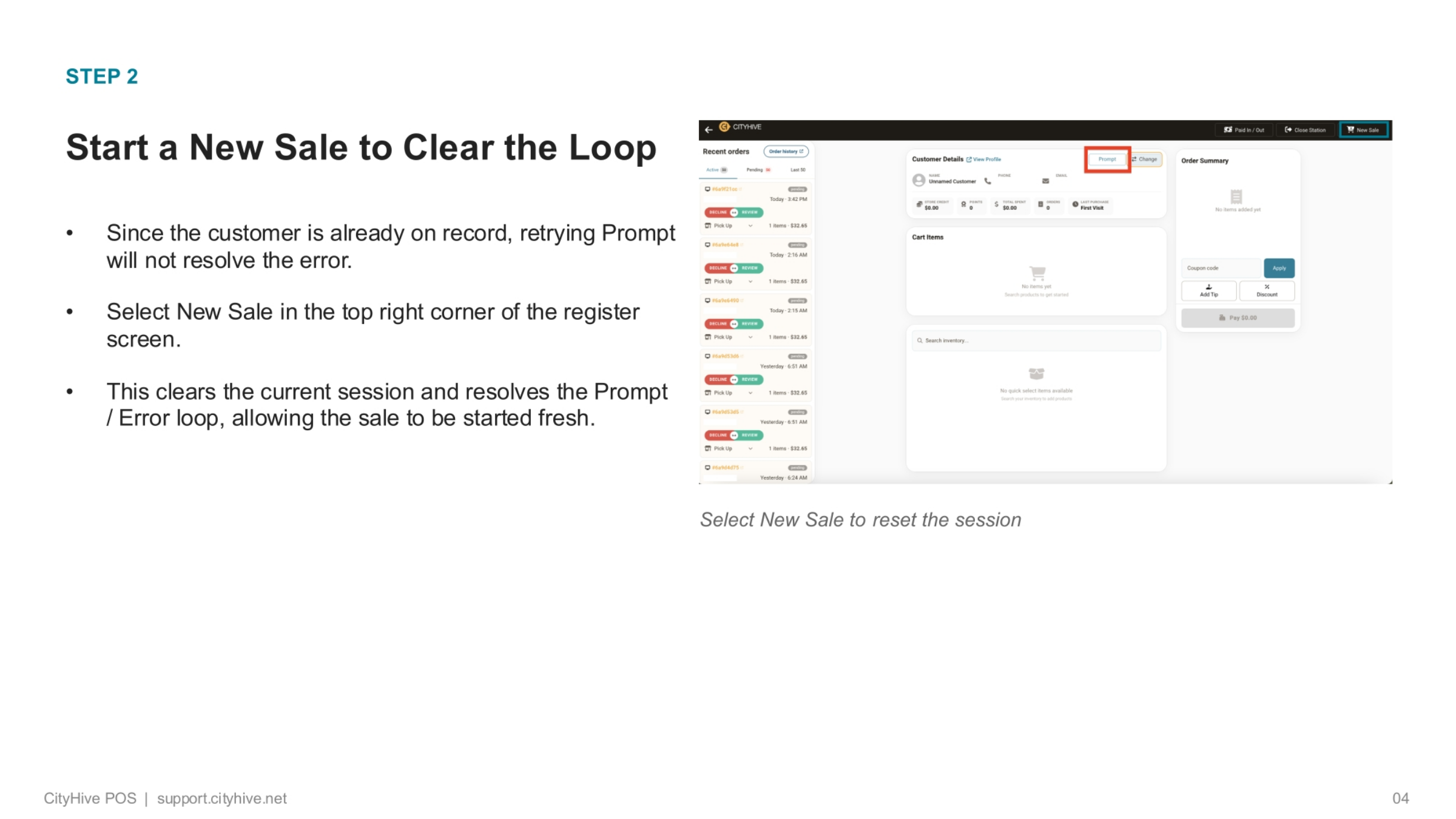
Once the prompt and error loop is identified, the solution is straightforward. Since the customer's details are already on record, simply retrying the 'Prompt' action will not resolve the underlying error. Instead, navigate to the top right corner of the register screen and select 'New Sale'. This action effectively clears the current session and immediately resolves the prompt and error loop, allowing you to begin the sale process fresh and without further interruption.
4. Recap of Resolution Steps
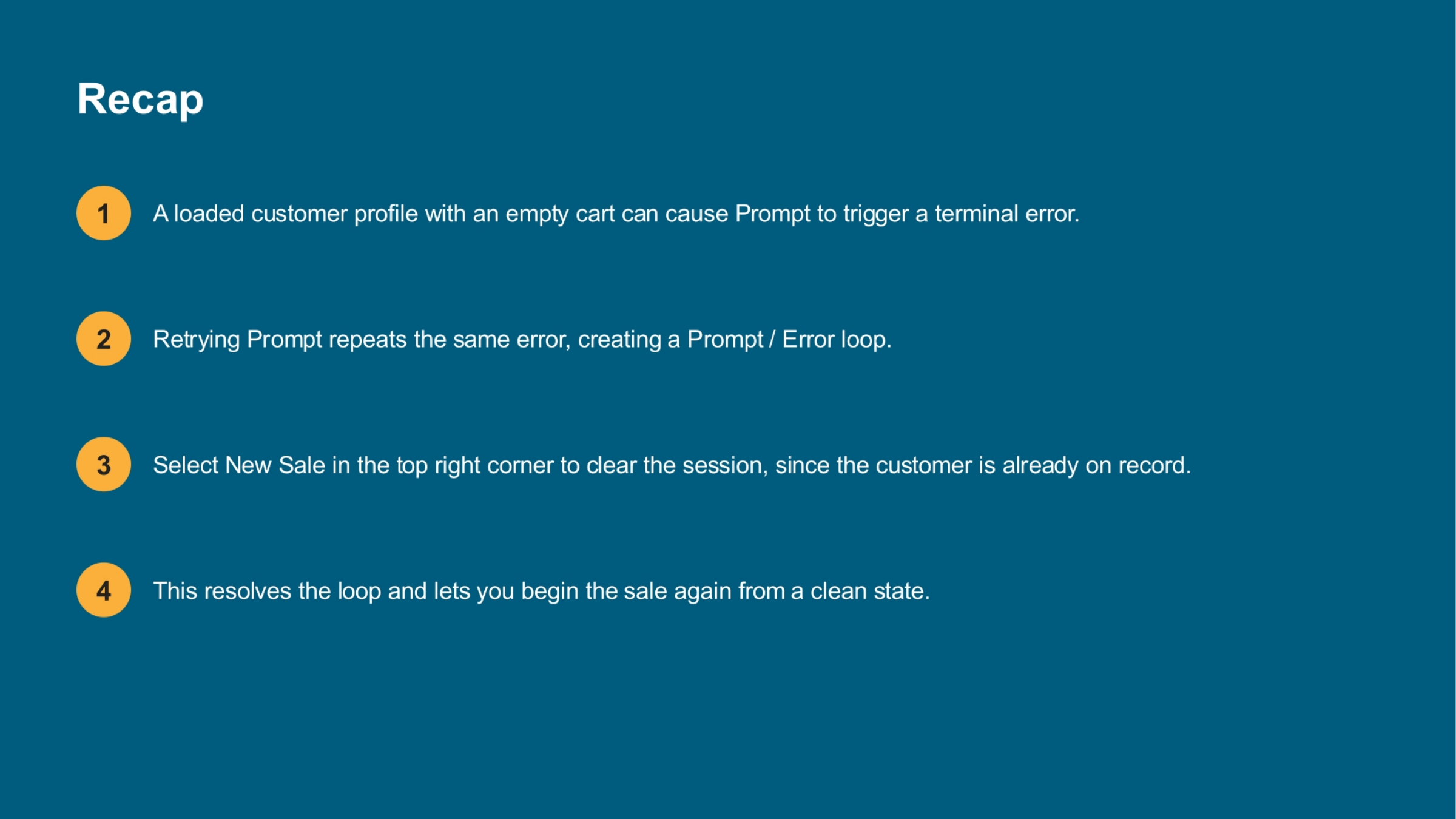
Thank you for joining this session on resolving the prompt and error loop. By understanding the cause and initiating a new sale, you can efficiently manage customer transactions and maintain a smooth workflow.