![City Hive Logo-2.png]](https://support.cityhive.net/hs-fs/hubfs/City%20Hive%20Logo-2.png?width=62&height=60&name=City%20Hive%20Logo-2.png)
Add / Edit Products Via Scanning (POS)
This article explains how to update your existing inventory or add new products using the barcode scanning feature in Cityhive. You'll learn how to manage product details, pricing, and market comparisons to help maintain accurate stock records.
This tutorial explains how to update or add new products to your inventory. You'll learn to manage product details, pricing, and market comparisons to maintain accurate stock records.
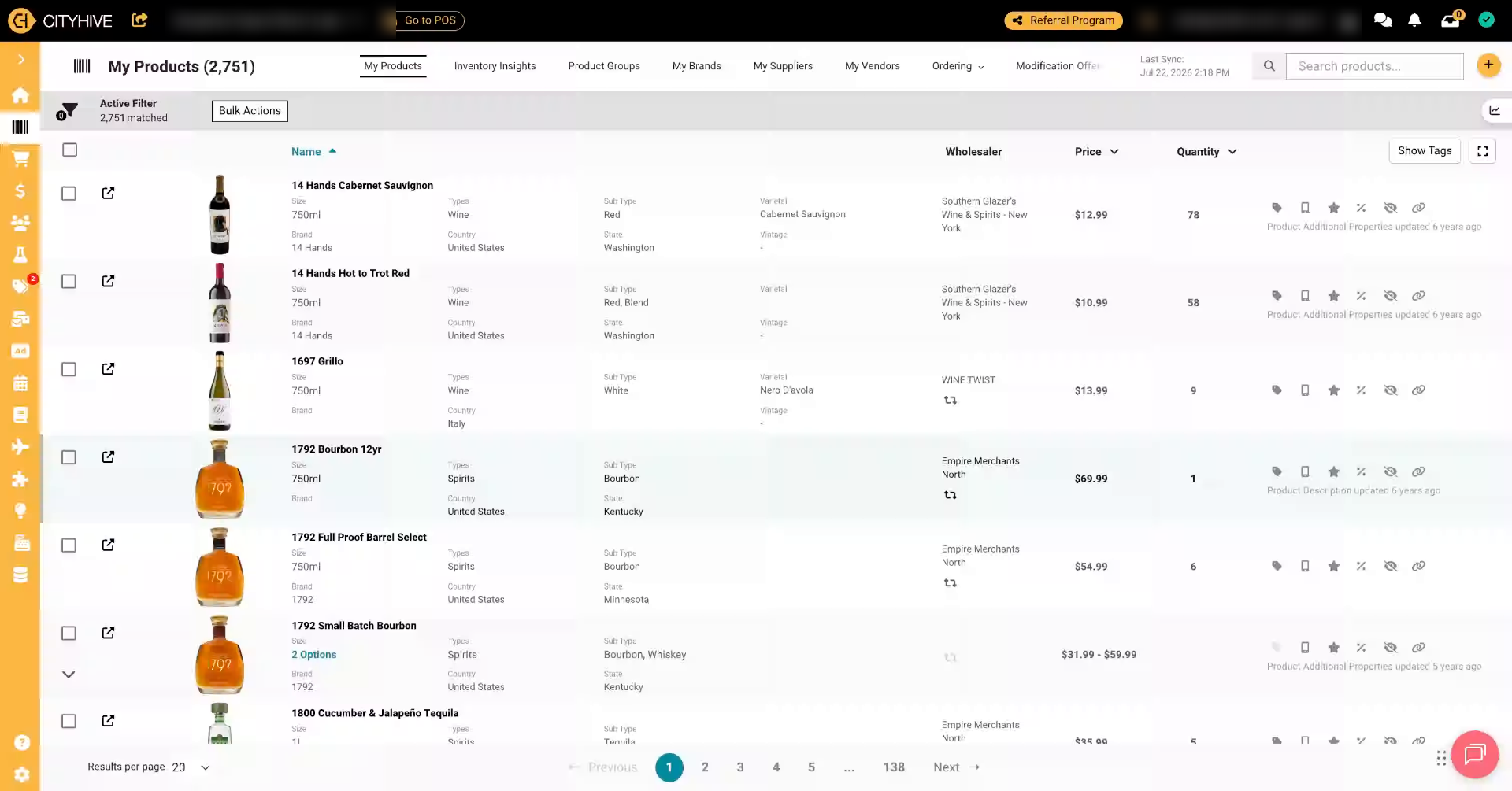
1. Start Product Addition Process
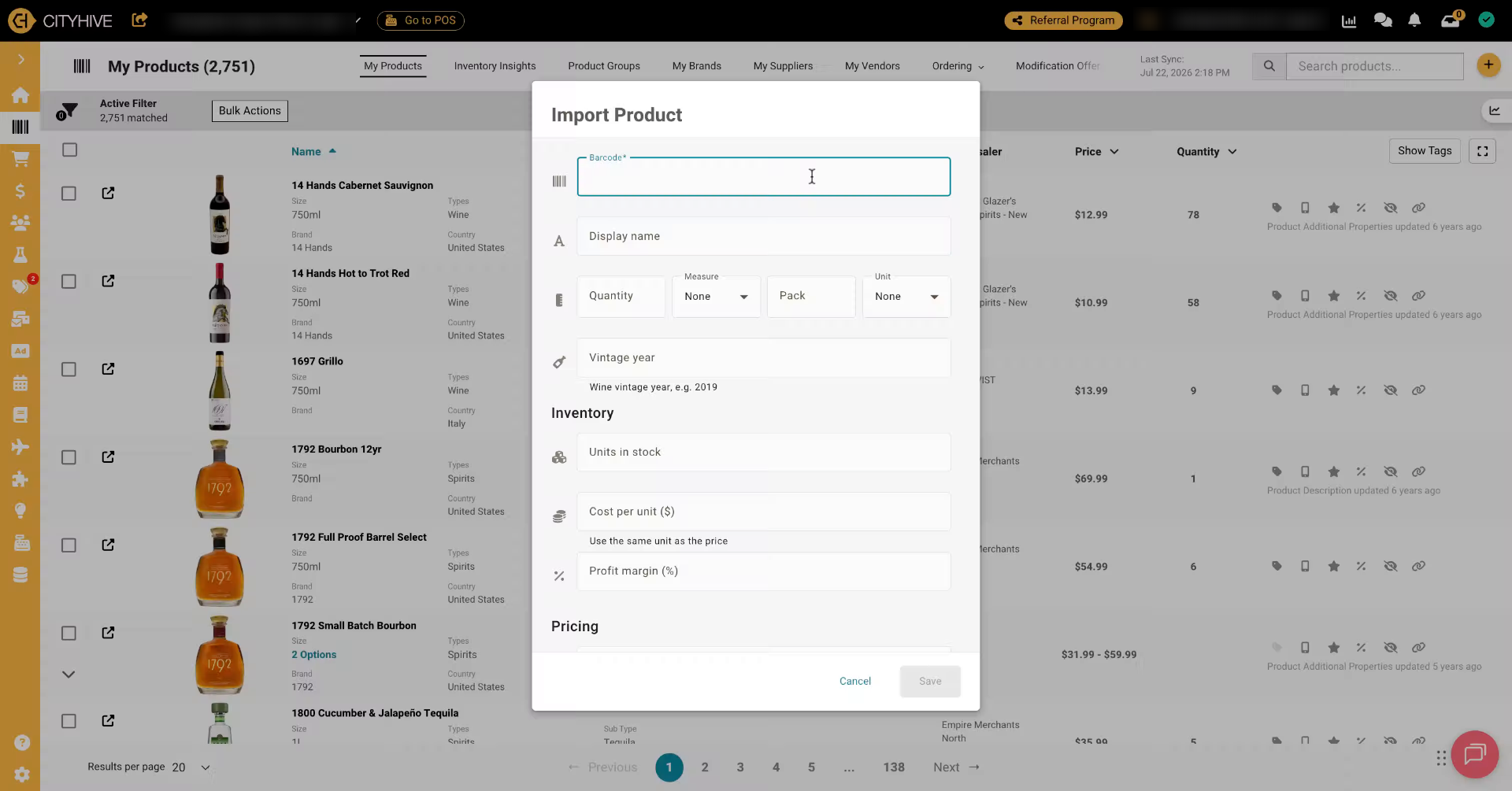
2. Update Product Using Barcode
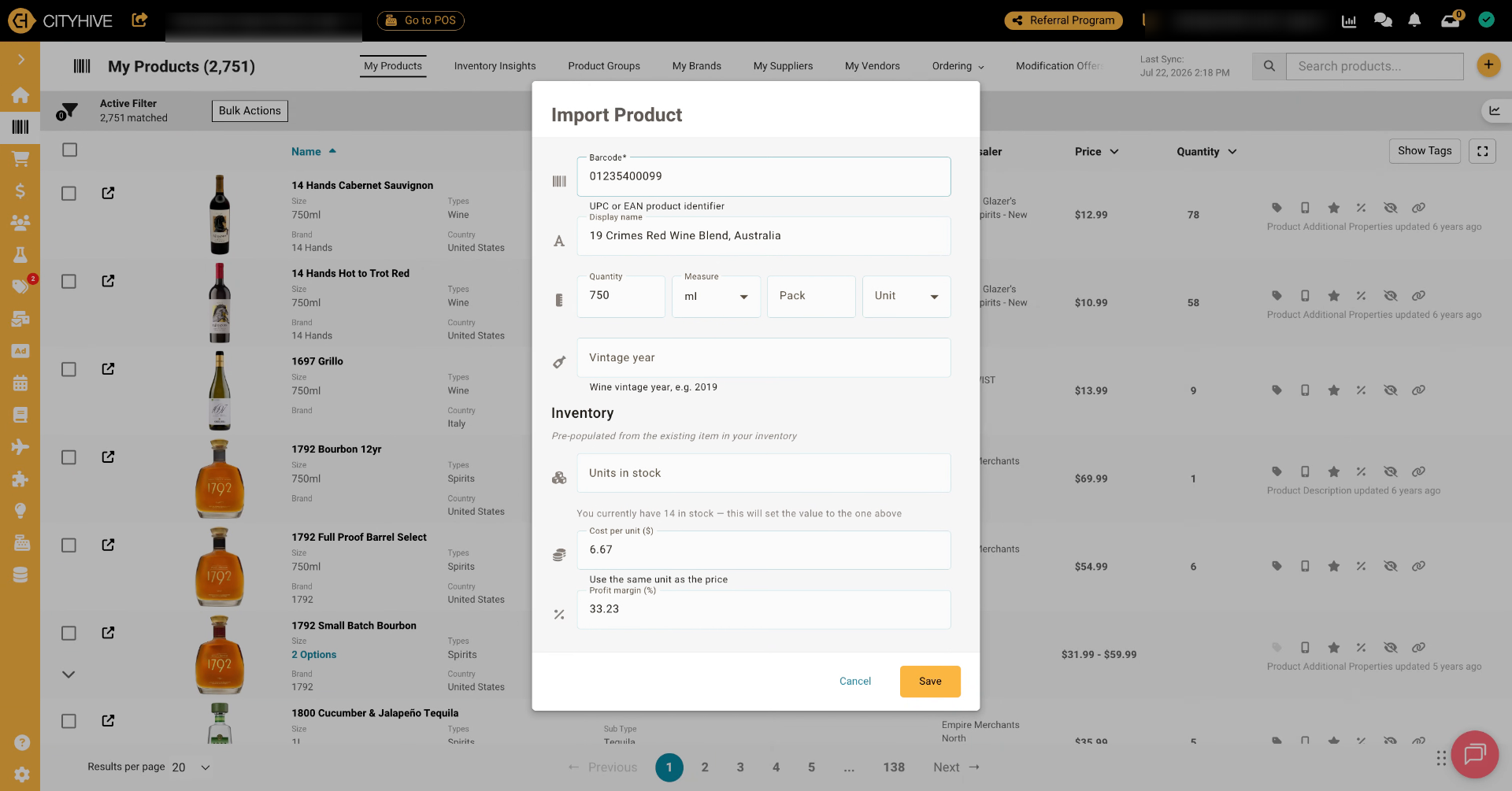
3. Leverage Store Inventory Integration
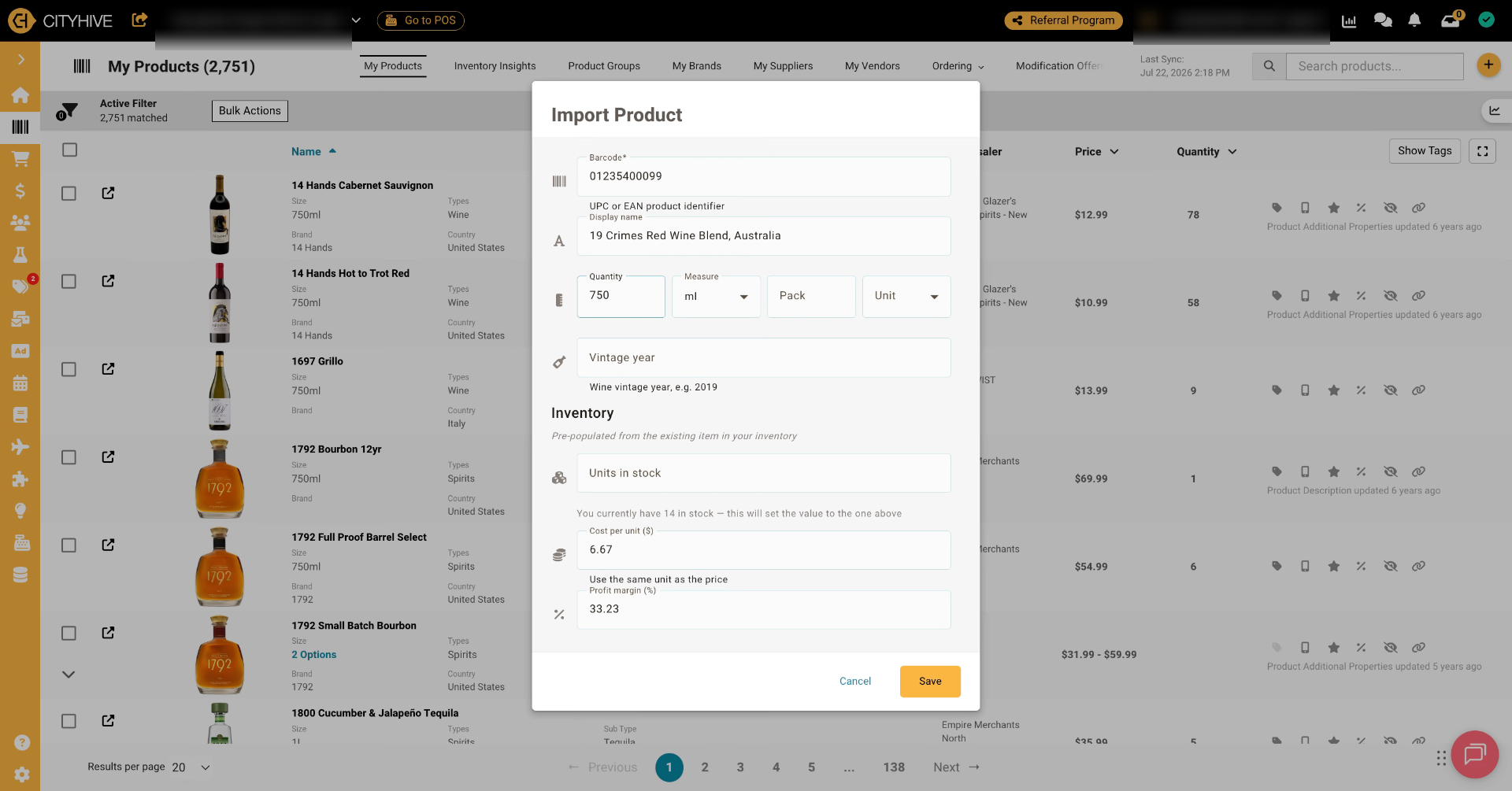
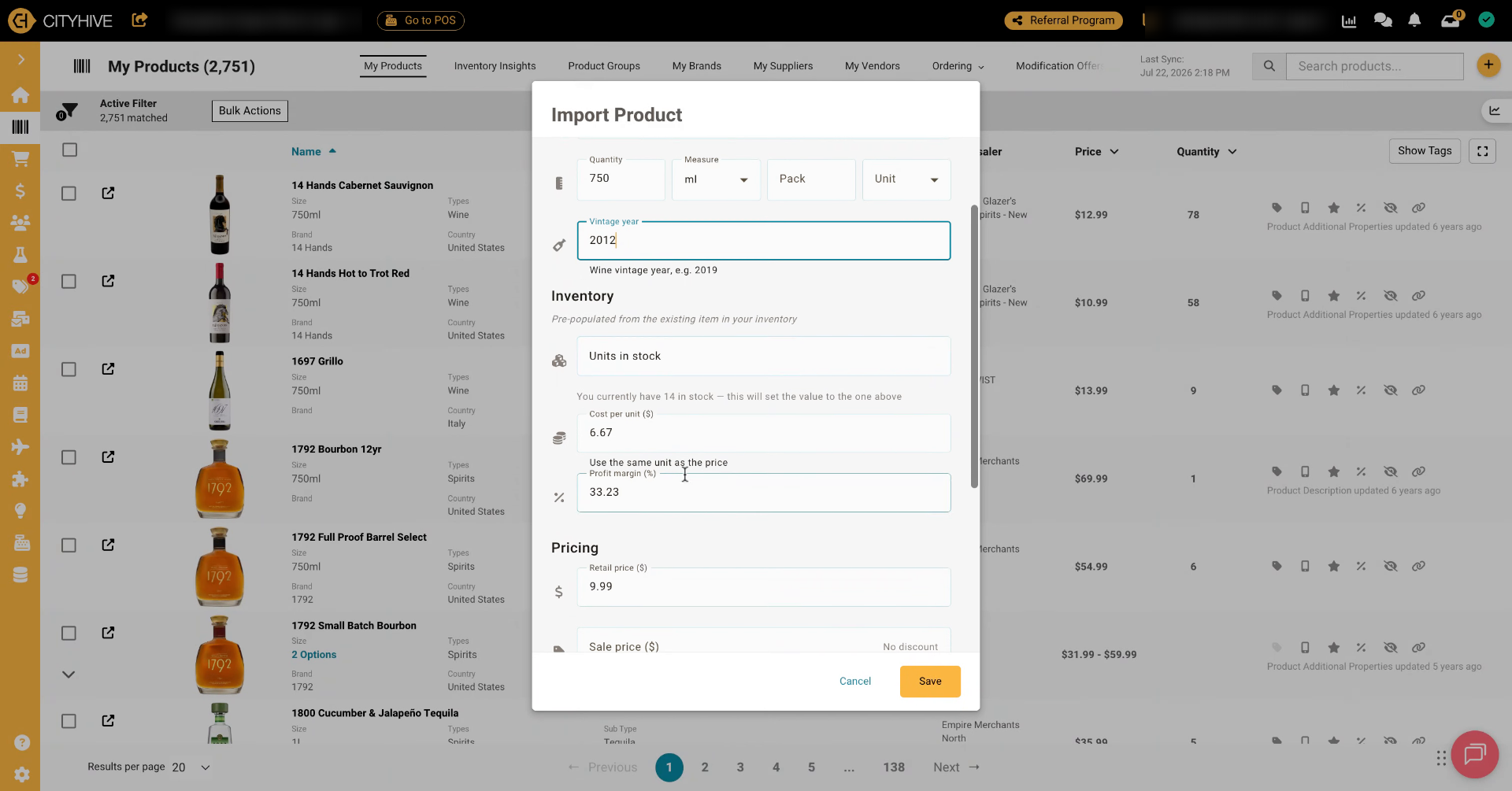
4. Adjust Quantity And Pack Size
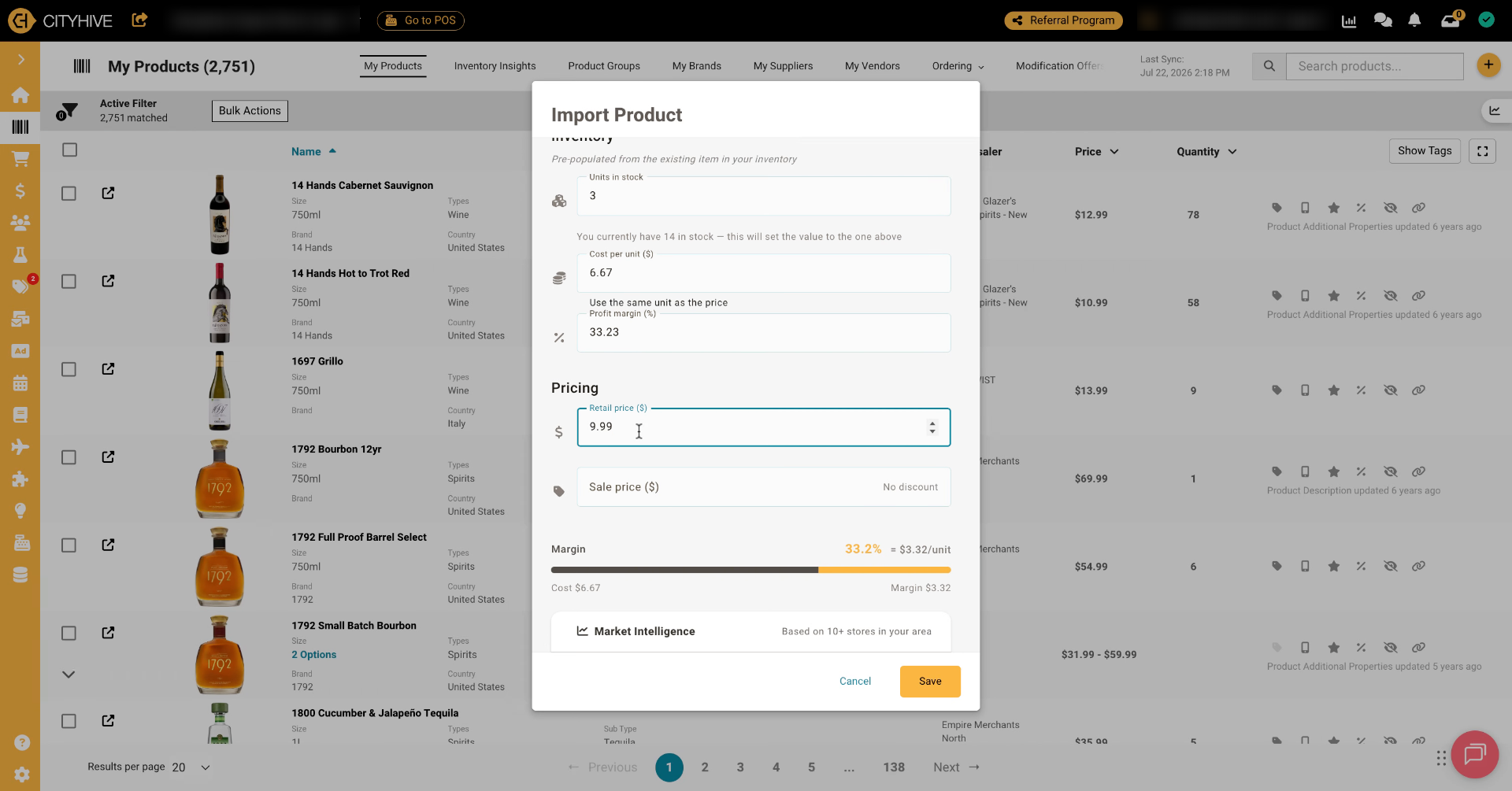
5. Update Stock And Pricing Details
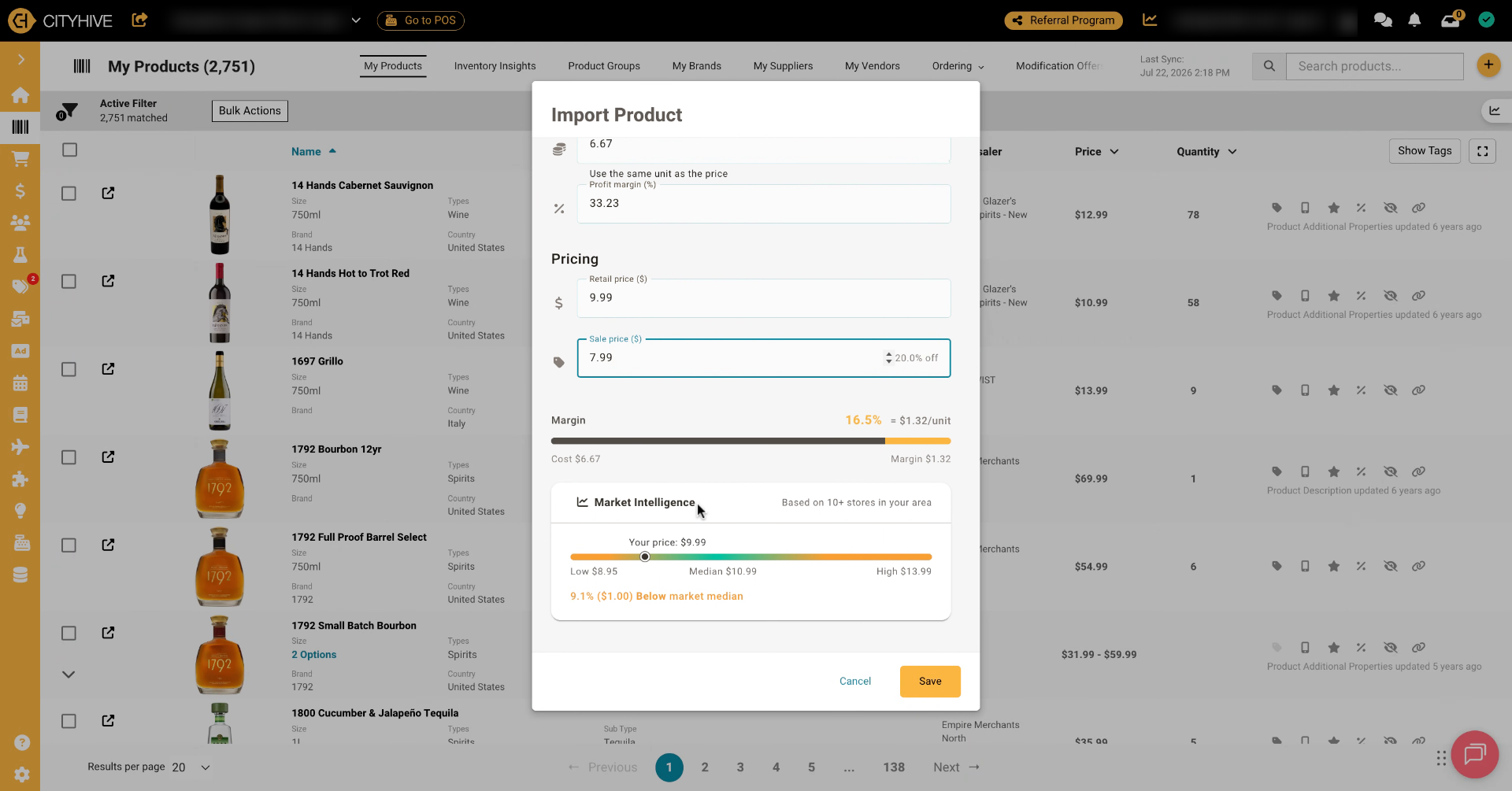
6. Link Profit Margin And Price
7. View Market Pricing Comparison